
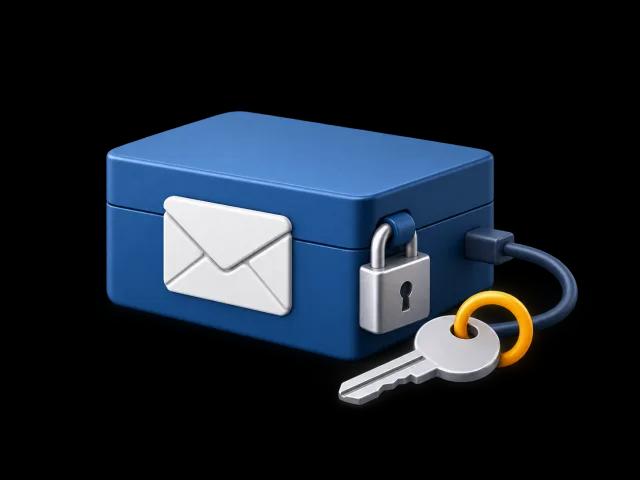
Your device. Your archive.
Read, search and export saved mail offline. Your archive stays useful even after you disconnect the account.
A desktop home for your email
Save a copy on your computer. Find an old conversation, print what matters, and make room in your mailbox with your saved copies checked first.
Your own archive. No new inbox to manage.
Receipts, letters, attachments, and the details you might need one day. Give them a place outside your inbox, in original files you can keep.
Private by design
BackMyMail saves messages and attachments directly from your provider to a folder you choose. Your mail is never uploaded to our servers. We keep no copy.
Read, search and export saved mail offline. Your archive stays useful even after you disconnect the account.
Review large messages and attachments. BackMyMail verifies saved copies before you confirm moving provider mail to Trash.
Create a portable, passphrase-encrypted backup. BackMyMail never stores the passphrase and cannot reset it.
Your working archive is readable while its disk is unlocked. On macOS, you can move it into a verified encrypted disk image. FileVault or BitLocker protects the working disk; encrypted backups have a separate passphrase.
Privacy & dataA quiet workspace for finding, saving, and looking after the email you already have.
Search your saved archive, filter by sender or date, follow conversations, and save attachments. Messages are shown as plain text; images and mail scripts do not run.
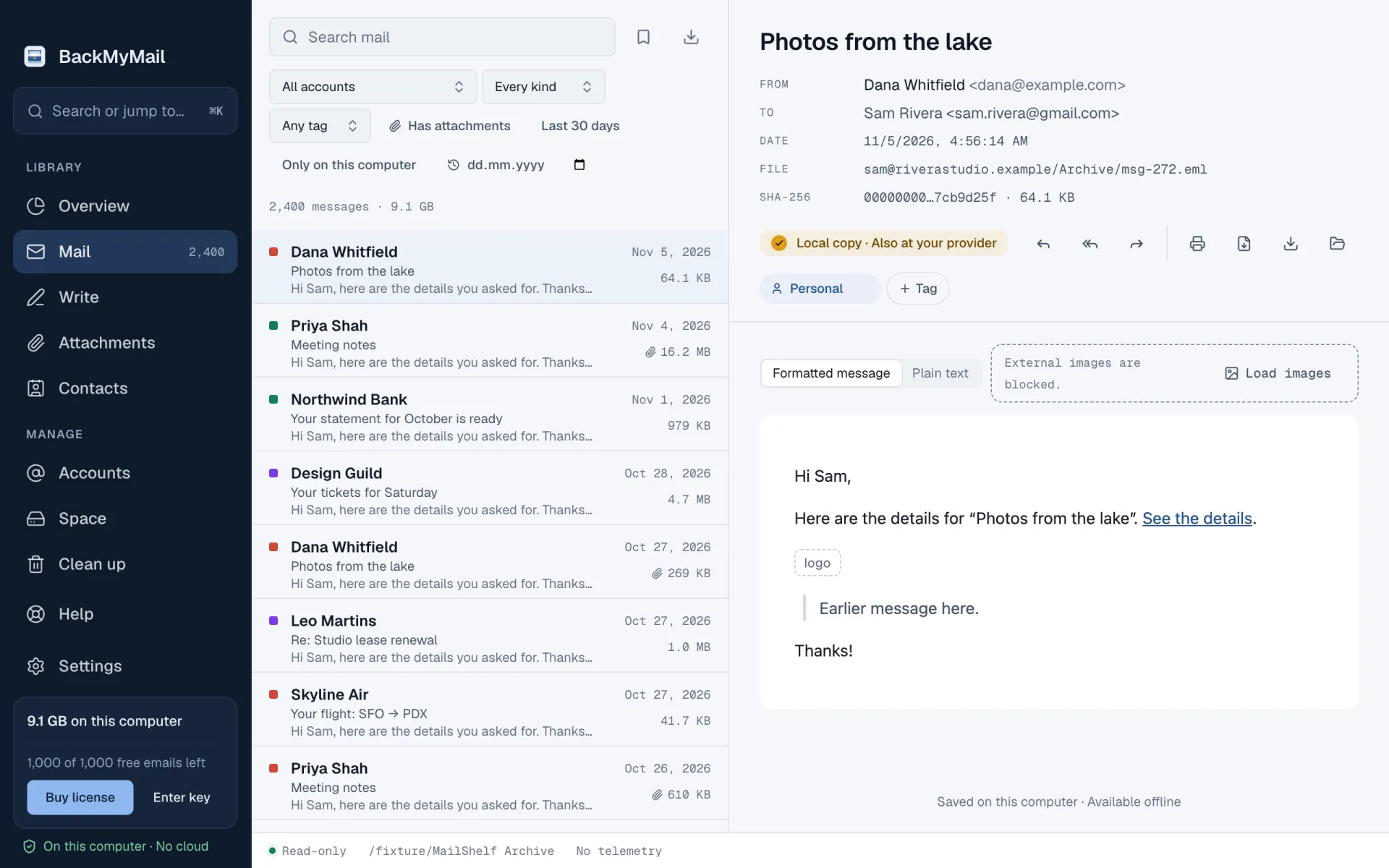
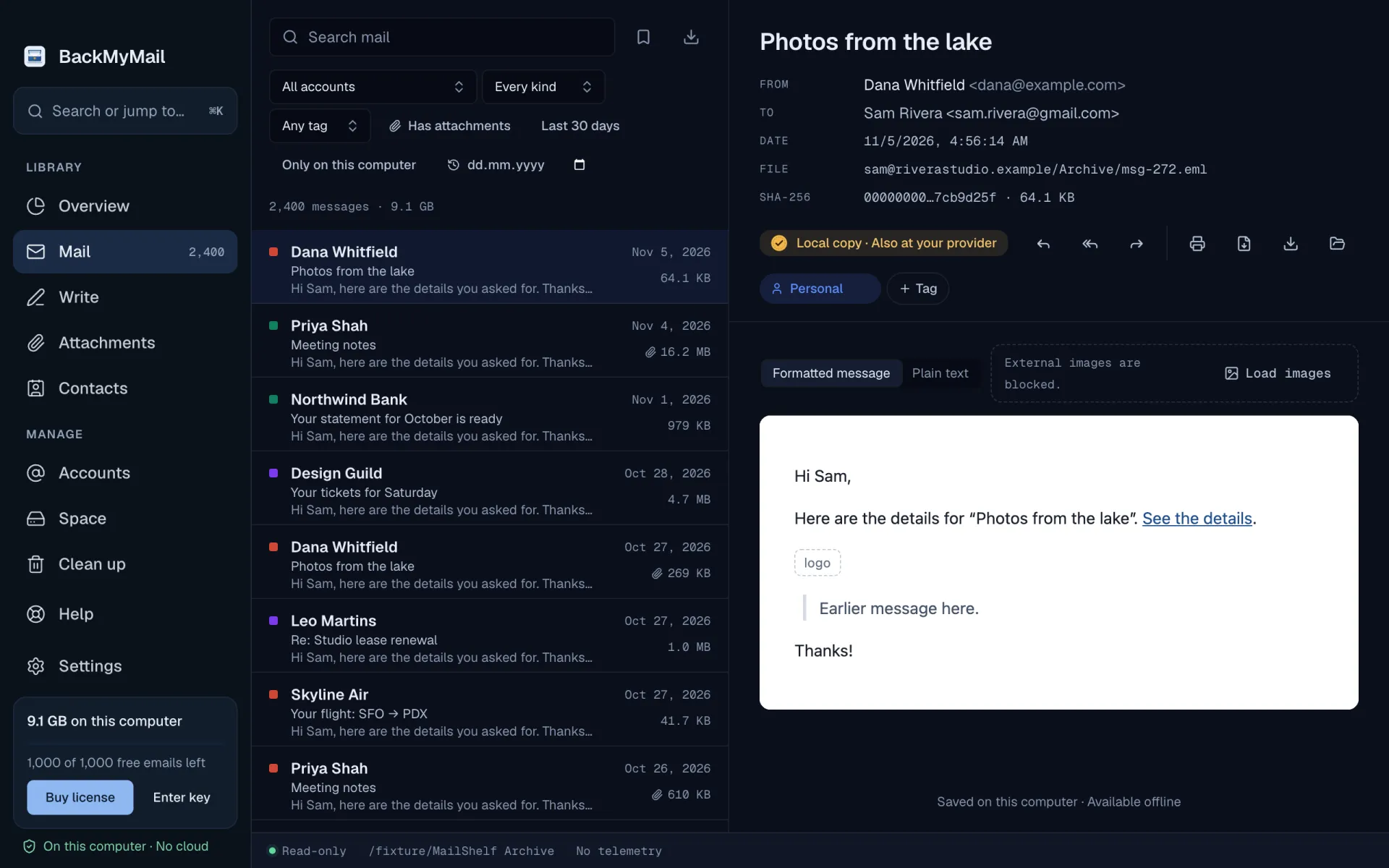
Mail passwords use macOS Keychain. On Windows, the local credential vault is encrypted with Windows DPAPI for your Windows account. Passwords are never stored in the mail archive.
Pick folders and dates, or import an .mbox file. BackMyMail saves original messages locally and indexes them for fast search.
Read offline, export .eml, .mbox, or PDF volumes, and make an encrypted portable backup. Clean up your provider only when you choose.
Your mail stays on your computer. For the few things that leave it, here is who handles them and which certifications those providers hold.
Your mail goes straight from your provider to your own disk. It never passes through our servers.
Your mail is processed on this computer. Error reports use legitimate interest; you can turn optional diagnostics off.
We do not sell or share your personal information.
Your mail never reaches us, so we do not receive or store protected health information (PHI). Your organization stays responsible for its HIPAA compliance; we do not sign Business Associate Agreements.


Error reports are processed by Sentry, which holds these certifications.



Polar is our merchant of record and handles checkout, taxes, invoices and refunds. Card payments run on Stripe’s PCI DSS Level 1 certified infrastructure. This website does not take payments or collect card details.
Try the archive before you decide. Saved mail stays readable, searchable, and exportable after the free download allowance ends.
The free archive
1,000new messages downloaded
Read, search, print, export, and manage saved mail without a time limit.
Get BackMyMailUnlimited archiving
Download your first 1,000 messages free. Unlock unlimited archiving with a one-time license for macOS or Windows.
Buy a licenseUS price: $29.99 per platform, paid once. No subscription. Polar shows taxes and the total before you pay.
No. Download uses read-only mailbox access and does not mark messages as read, move them, or delete them. Cleanup is a separate action with copy verification and explicit confirmation.
Yes. Saved mail stays on your computer. You can read, search, print, and export it without reconnecting your provider.
Archive files and the index are readable while the disk is unlocked. On macOS, create an encrypted disk image in Disk Utility, unlock it, then let BackMyMail verify and copy the archive there. Disk Utility can save its password in Keychain. FileVault or BitLocker protects the working disk; portable .tar.age backups use a separate passphrase.
No. Daily and weekly schedules run while BackMyMail is open. A missed run is considered once after the app opens again.
The app includes guides for Gmail, Outlook.com, Yahoo, iCloud, and other IMAP accounts. Google and Microsoft browser sign-in requires distributor OAuth registrations. Real-provider acceptance is still a release check.
BackMyMail for macOS and Windows is in preview. Public release and real-provider acceptance checks are still pending.
Yes, on up to 2 computers of the same platform: enter the same key in Settings › License. To free a computer, remove the license there or in Polar’s customer portal. A macOS license does not unlock Windows, and a Windows license does not unlock macOS.
Made for your computer. Available in six languages.